Why you shouldn't just update all plugins in WooCommerce
For many WooCommerce websites, it seems simple: an update appears, you click “update” and done. Updates are seen as something positive - they bring improvements, security and new features. Yet blindly updating plugins is one of the most common causes of technical problems on WooCommerce websites.
What seems like a small, logical action at first glance can have major consequences. In this blog, we explain why updating plugins in WooCommerce is risky, what exactly can go wrong and why careful maintenance is crucial for the stability of your webshop.
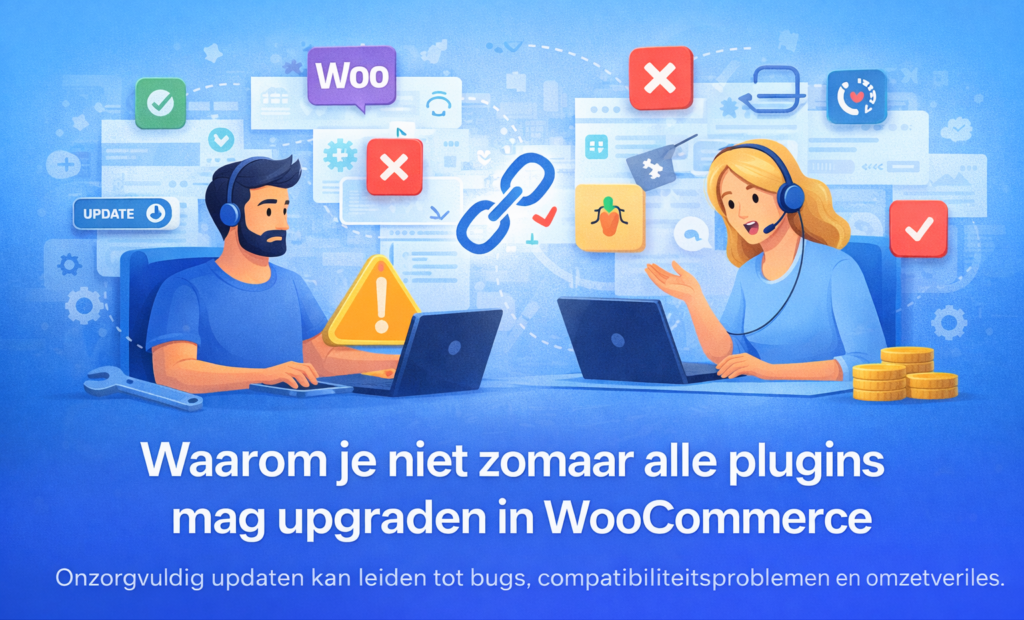
WooCommerce is an ecosystem, not a standalone system
A WooCommerce website does not consist of a single system. It is an ecosystem of components that need to work together: WordPress itself, WooCommerce, the active theme, plugins and often external links such as payment providers, shipping modules or accounting software.
When you update one plugin, you change one component of that ecosystem. That change may work perfectly well on its own, but have unexpected consequences for other components. This is because plugins are developed independently of each other. They don't always take into account your specific combination of theme, WooCommerce version and other plugins.
Therefore, a WooCommerce website is technically much more sensitive to updates than many business owners realise.
Not every plugin update is as innocuous
Plugin updates vary greatly in impact. Some updates are minor and only fix a bug. Other updates fundamentally change how a plugin works, how data is stored or how it communicates with WooCommerce.
With WooCommerce plugins, we see regular updates that:
- adjust checkout logic
- Change shipping costs calculations
- rewriting payment flows
- processing product fields or variations differently
What increases the risk is that these changes are often are not fully visible to the user. The plugin appears to be updated correctly, but underlying it, the operation has changed. This may cause existing configurations to be incompatible with the new version.
The result: functionality that used to work smoothly suddenly functions differently or not at all - without an obvious error message.
Compatibility: the biggest and most underestimated risk
Compatibility is one of the most common causes of problems after plugin updates.
Each WooCommerce webshop runs on a unique combination of:
- WordPress version
- WooCommerce version
- theme
- active plugins
- external links
When one plugin is updated, there is no guarantee that it remains perfectly compatible with all other parts of the webshop. Especially when:
- WooCommerce itself has not yet been updated
- the topic lags
- other plugins use an older codebase
conflicts may arise.
These compatibility problems are often difficult to trace. There is not always a clear error message; sometimes everything works “almost fine” but certain functions have become unreliable. This makes them extra dangerous.
Problems are often only discovered by customers
One of the biggest risks with thoughtless updating is that problems are not immediately noticed. The shop loads, products are online and the management environment seems to function normally.
But in practice, problems are often only discovered when:
- a customer gets stuck in the checkout
- a payment method fails
- discount codes are not correctly applied
- shipping options disappear
- order confirmations are not sent
This means that the first real test by a paying customer happens. By then, the damage is often already done: lost sales, frustration and a negative impression of your webshop.
Conflicts with themes and customisation
Many WooCommerce websites use a premium theme or customisations. These build on WooCommerce-structures and plugin functionality. When a plugin update changes those structures, it can directly affect the theme.
In practice, this often leads to:
- layout problems on product pages
- non-working buttons
- error messages in specific steps
- visual bugs that are only noticeable at certain screen sizes
Especially with customisation, this is risky. Customisations are rarely updated automatically when plugins are updated. What used to work perfectly can break after an update without changing the customisation itself.
Security updates vs functional updates
Not all updates have the same urgency.
Security updates are important and should usually be applied faster. Functional updates, new features or major revisions are often better evaluated first.
When everything is updated automatically or indiscriminately, you lose:
- understanding what changes
- control over timing
- the possibility of testing first
A professional update strategy distinguishes between necessary security updates and updates that have a functional impact.
Why automatic updates are rarely a good idea
Automatic updates seem to save time, but with WooCommerce websites, they often cause unexpected problems. Updates happen without checking, without testing, and often at times when you can't intervene.
When something goes wrong:
- you don't immediately know which update is the cause
- it is more difficult to return to a stable version
- panic reaction management often arises
Instead of bringing peace of mind, automatic updates increase the likelihood of downtime and repair costs.
Testing is essential but often skipped
Correctly updating means testing - and not just checking whether the shop is still open.
Real tests include:
- add products to cart
- checkout with various payment methods
- check shipping calculations
- testing email flows
- reviewing accounts and return processes
Because testing takes time, it is often skipped. This is understandable, but this is exactly where most problems arise that are much more expensive to solve later.
What does a faulty update cost in practice?
When an update causes problems, website owners often turn to external help.
Hiring a developer to fix update problems quickly costs several hundred euros per intervention. With complex compatibility issues, this amount can add up quickly.
On top of that:
- lost sales
- time loss
- customer frustration
- reputational damage
These costs are rarely factored in when deciding to “just quickly update everything”.
Controlled updating as part of professional management
Professional WooCommerce management Doesn't mean that you delay updates, but that you put them controlled exports. That includes:
- schedule updates
- assess compatibility
- perform tests
- preventing problems instead of repairing them
Webshops that are monitored structurally have fewer incidents, less downtime and less need for expensive emergency interventions.
In conclusion
Updating plugins in WooCommerce is necessary, but never optional.
Every update has an impact on compatibility, stability and reliability. By tackling updates thoughtfully rather than automatically or impulsively, you avoid technical problems, lost sales and unnecessary stress.
So the real question is not whether to update, but rather how and when you do.